How to correct my registration data?

When signing up for a sporting event, it's common to fill out the data quickly and, sometimes, end up making a mistake, whether it's in the name, T-shirt size, date of birth, or even the email address. But don't worry! Correcting this information is simpler than it seems.
In this post, we will show you the step-by-step procedure to adjust your registration details on the Keepsporting platform, ensuring that everything is correct for the day of the event.
1. Contact the Event Organizer
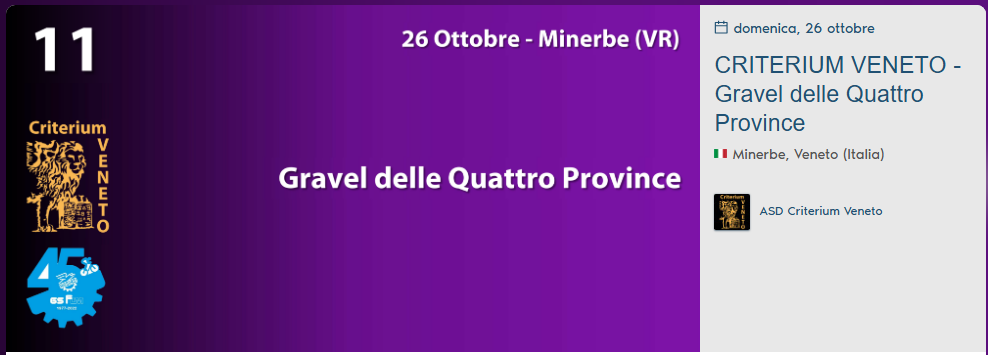
- The first step is to contact the event organizer directly. You can find the contact information on the registration page, as shown in the example below:
- Click on the name of the organization on the event page, as highlighted in the example below.
- On the next page, the organizer's information will appear, such as Name, Email, Location, and Telephone (if registered).
- Have your details handy, such as Full Name and Email, and inform the event organizer so that the change can be made.
2. Await Confirmation from the Organizer
- After the initial contact, the organizer will verify the data and authorize the modification on the Keepsporting platform.
💡
Important tips:
In case you cannot find the organizer's email or phone number on the event page, search for the organization's name or the event name on Instagram.
We are available to help you in case of doubts or difficulties.