I am not receiving the activation email for my Keepsporting account: now what?

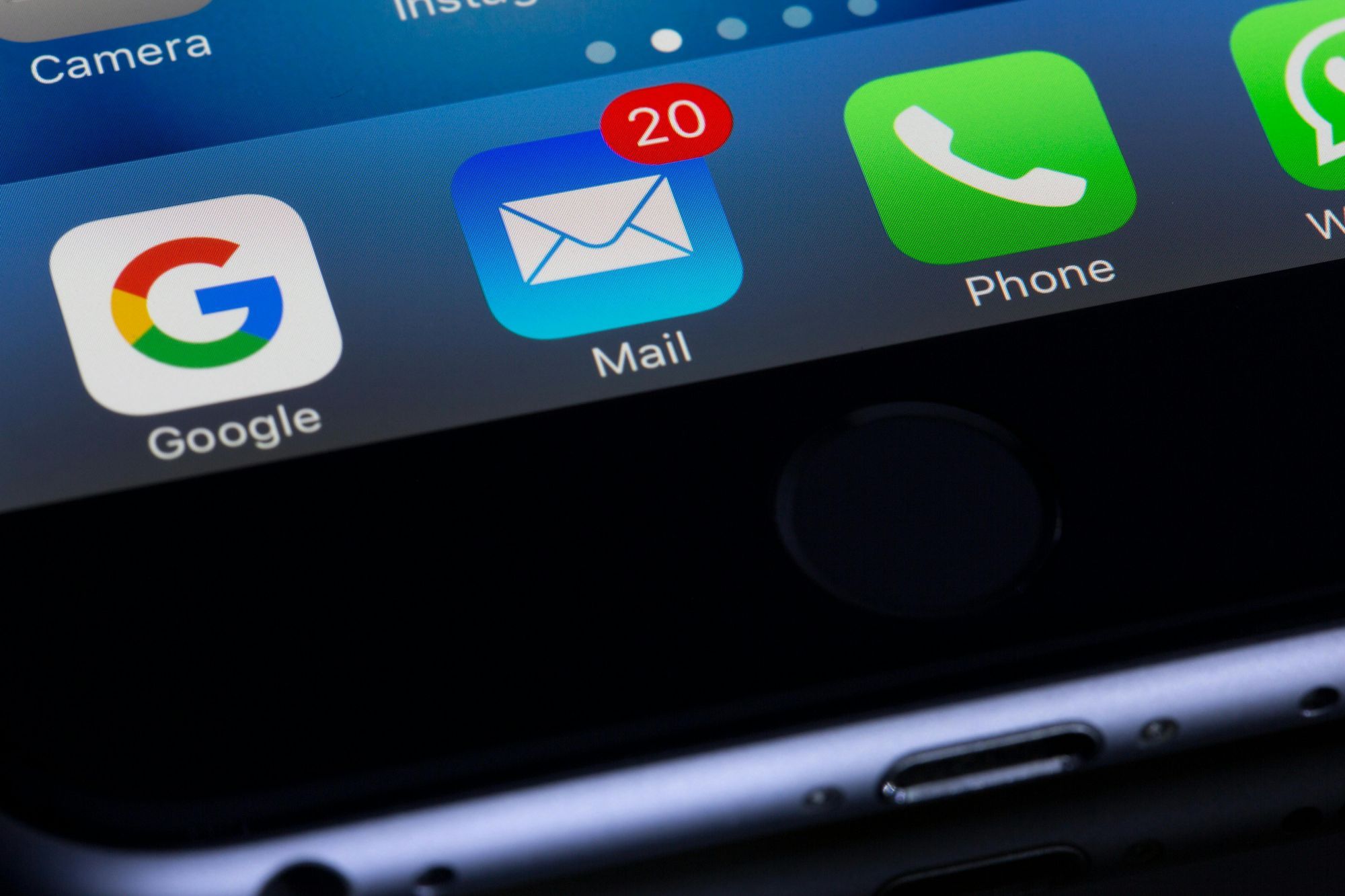
You have just registered on the Keepsporting platform and... the activation email is not arriving. Anxiety sets in, you check your inbox every minute, and you start wondering: did something go wrong?
If you are experiencing this problem, know that you are not alone. In this article, we will show you why the activation email might not have arrived and how to solve the issue quickly. Keep reading and find out how to solve this problem practically!
1. Check Your Inbox and Spam Folder
The first step is simple: check all your email folders, not just the main inbox. The email may have been automatically directed to:
- Spam or Junk Mail;
- Promotions;
- Updates or Notifications.
In the search field of your email, try typing: Keepsporting
2. Wait a few minutes
Although the system sends the email automatically, it may take a few minutes to arrive, especially if the email server has a high volume of messages. Wait 5 to 15 minutes and refresh your inbox.
3. Check if the Email Address was Typed Correctly
Simple typing errors during registration are very common. Examples:
gamil.cominstead ofgmail.com- Missing letters or symbols (
@,.cometc.)
If you think you entered the wrong email address, try logging into your account with the details you entered. If you are unsuccessful, the best option is to re-register with the correct email address.
Greetings from Keepsporting team!